FOR FLOORING COMPANIES
Your website. No build fee.
A rebuilt website and connected business software for flooring companies, included in one monthly service—not a separate build project.
- Your design, collections and product pages.
- B2C, B2B or both—built around your customers.
- We build, operate and keep changing it.
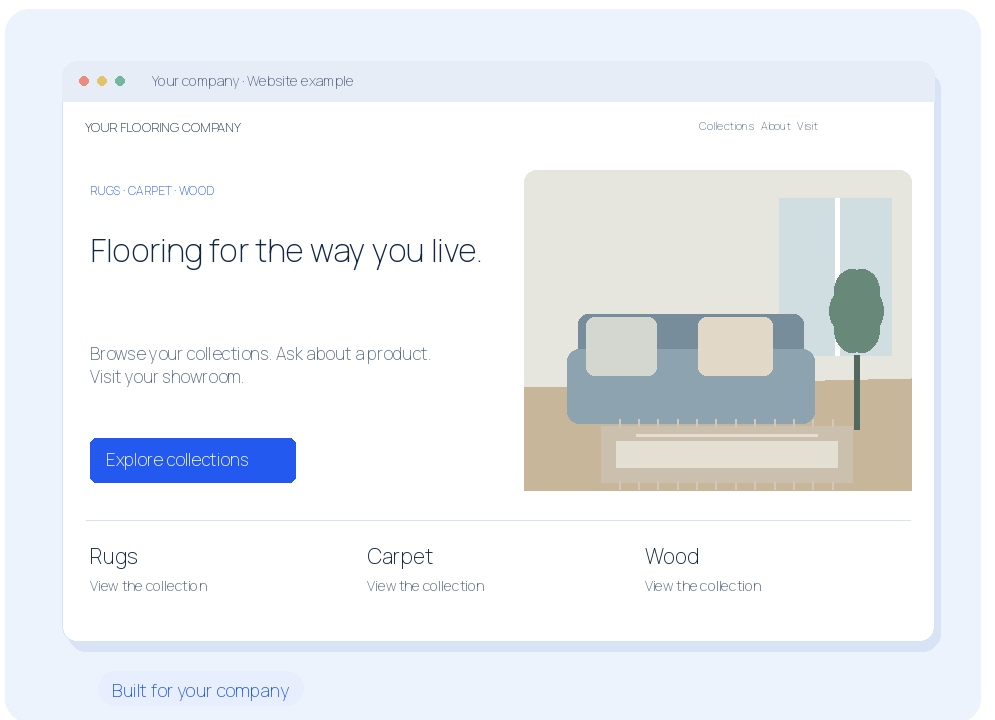
Illustrated example · Not a live product screenshot
Your new website starts here
No build fee.
| What you get | Other providers’ build fee | With CommerceServer |
|---|---|---|
| Custom e-commerce | $25,000–$150,000+ | Included |
| CRM from scratch | $90,000–$300,000+ | Included |
| Custom ERP module | $200,000–$500,000 | Included |
Dollar amounts are other providers’ published build estimates. With CommerceServer, the build is included in your monthly service.
Your website + CommerceServer.
One monthly service.
We build it, operate it and keep changing it.
Let’s build your flooring websiteYOUR WEBSITE
It works on a phone.
Customers can browse, buy and reach your team without pinching and hunting.
- Readable pages and touch-friendly navigation.
- Call, directions and product inquiries within reach.
- Keyboard access, contrast and image descriptions.
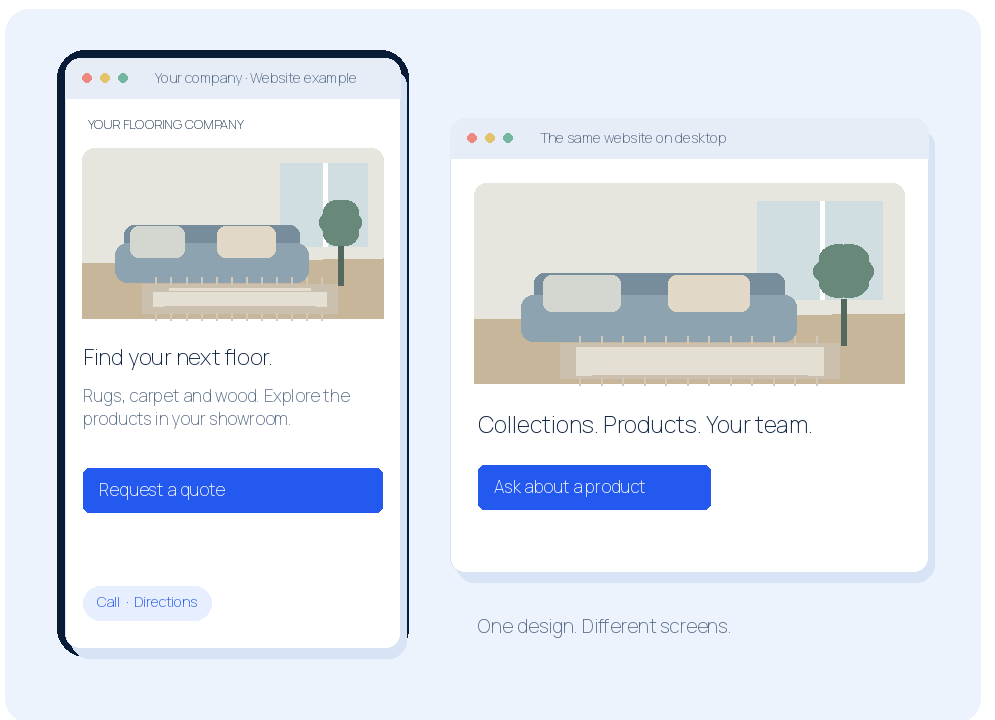
Illustrated example · Not a live product screenshot
YOUR WEBSITE
Show your collections.
Give rugs, carpet, wood and other collections their own place on your website.
- Useful category pages and product photography.
- Browse by material, color, size and collection.
- An organized path from category to product.
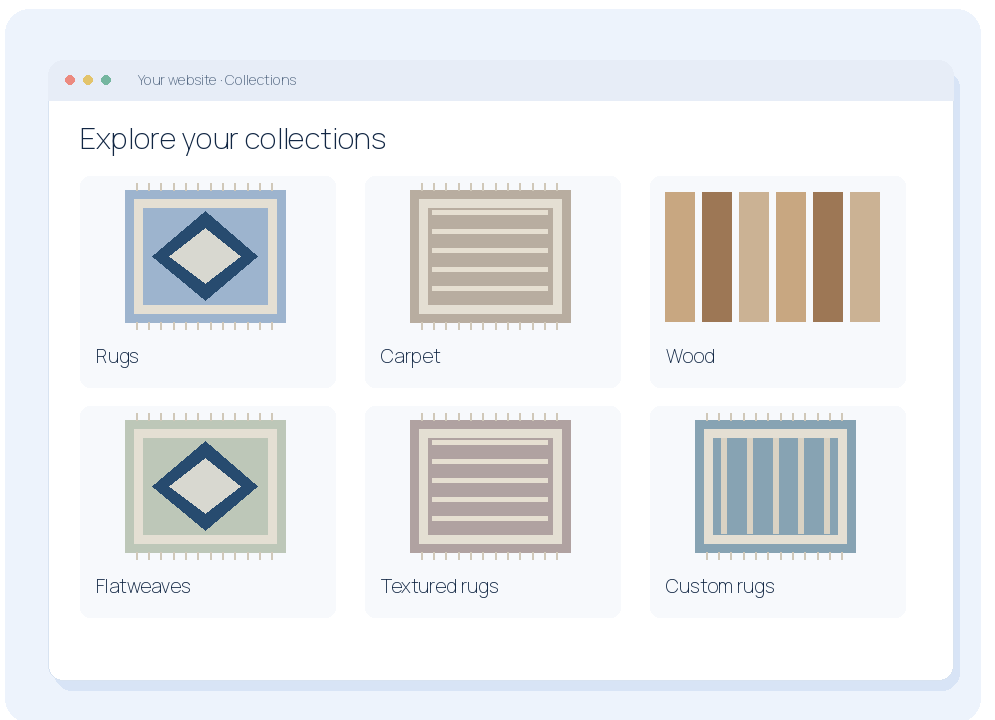
Illustrated example · Not a live product screenshot
YOUR WEBSITE
Make every product page useful.
Show customers the product, its details and the right way to buy or inquire.
- Image galleries, specifications and selling units.
- Sizes, finishes and configuration choices.
- Buy, request a quote or ask about a sample.
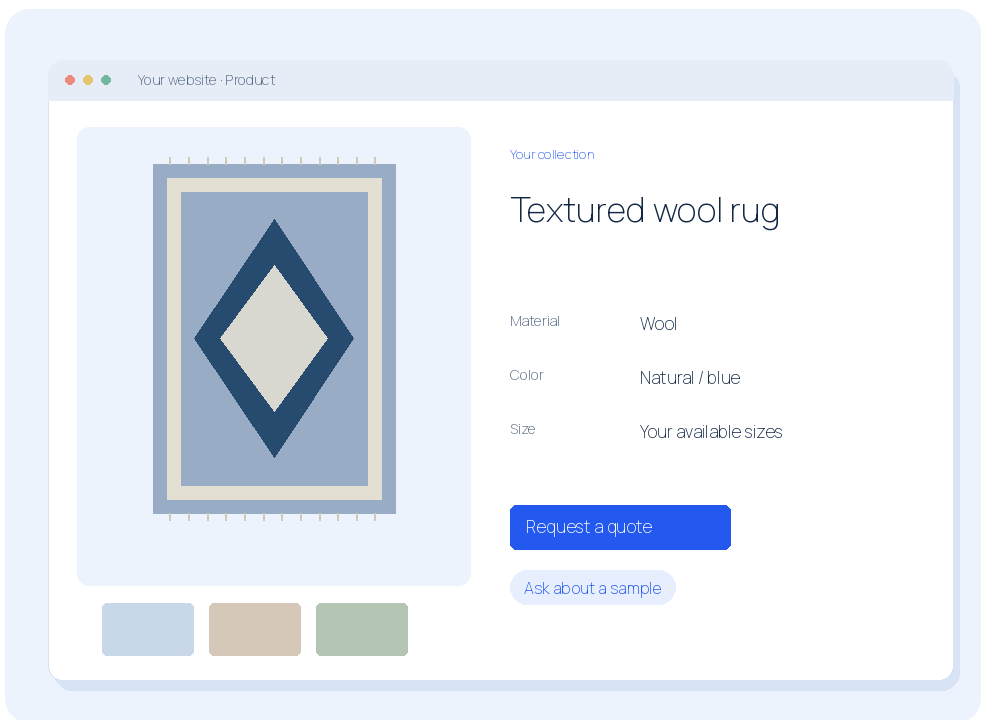
Illustrated example · Not a live product screenshot
YOUR WEBSITE
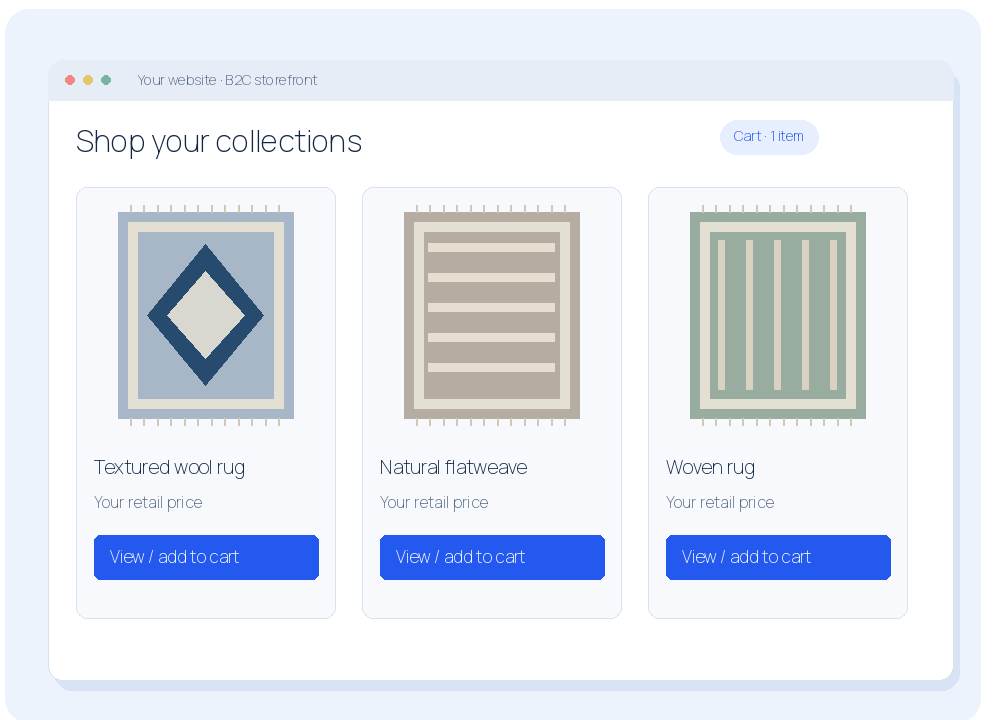
Sell directly to consumers.
Your B2C website lets shoppers explore products and buy from your business.
- Public catalog, product details and retail prices.
- Shopping cart and online purchasing.
- Products that need advice can stay quote-led.
Illustrated example · Not a live product screenshot
YOUR WEBSITE
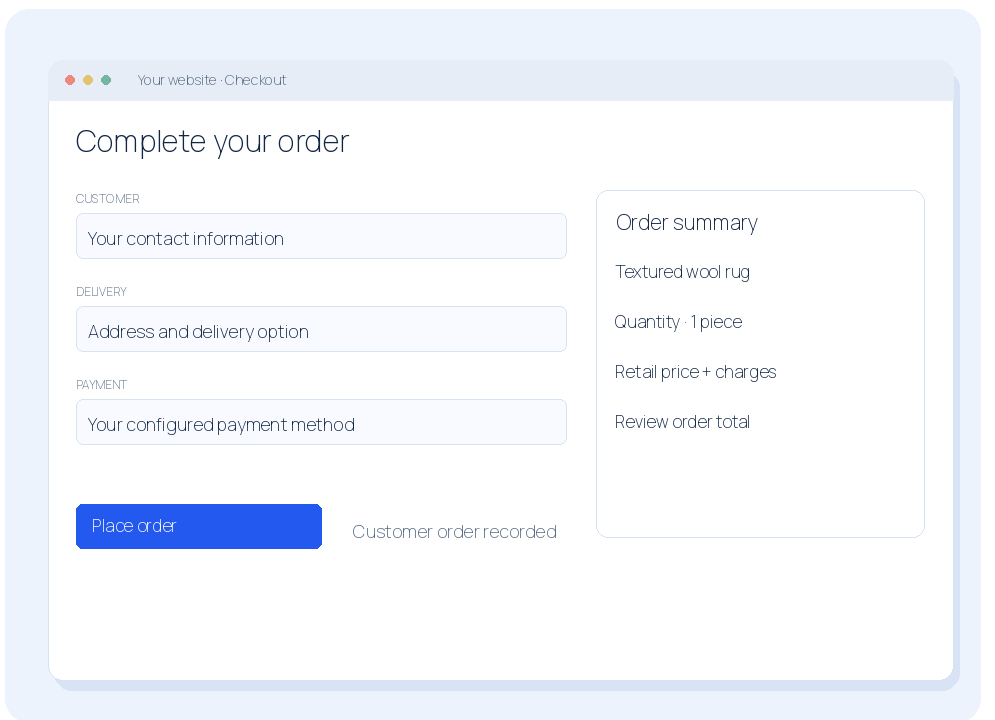
Give shoppers a clear checkout.
Turn a chosen product into an order with a straightforward buying journey.
- Review products, quantities and charges.
- Collect customer and delivery information.
- Configure payment, tax and delivery options.
Illustrated example · Not a live product screenshot
YOUR WEBSITE
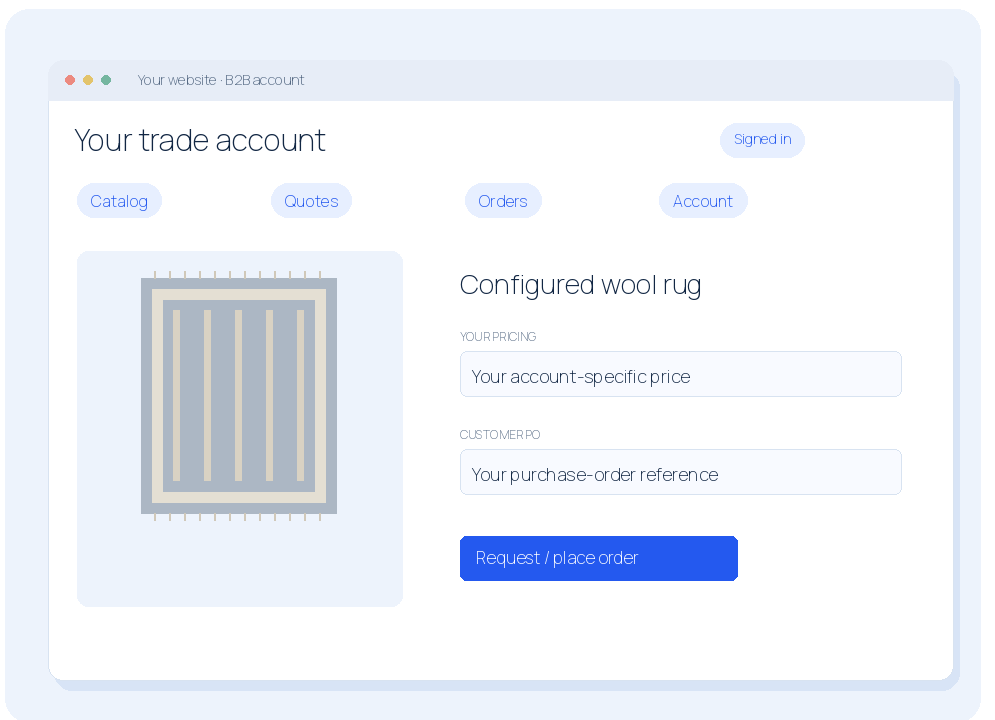
Serve your trade customers too.
Your B2B website serves designers, dealers and contractors through their business accounts.
- Account sign-in and customer-specific pricing.
- Trade catalog, quote requests and order entry.
- Account information and order history together.
Illustrated example · Not a live product screenshot
YOUR WEBSITE
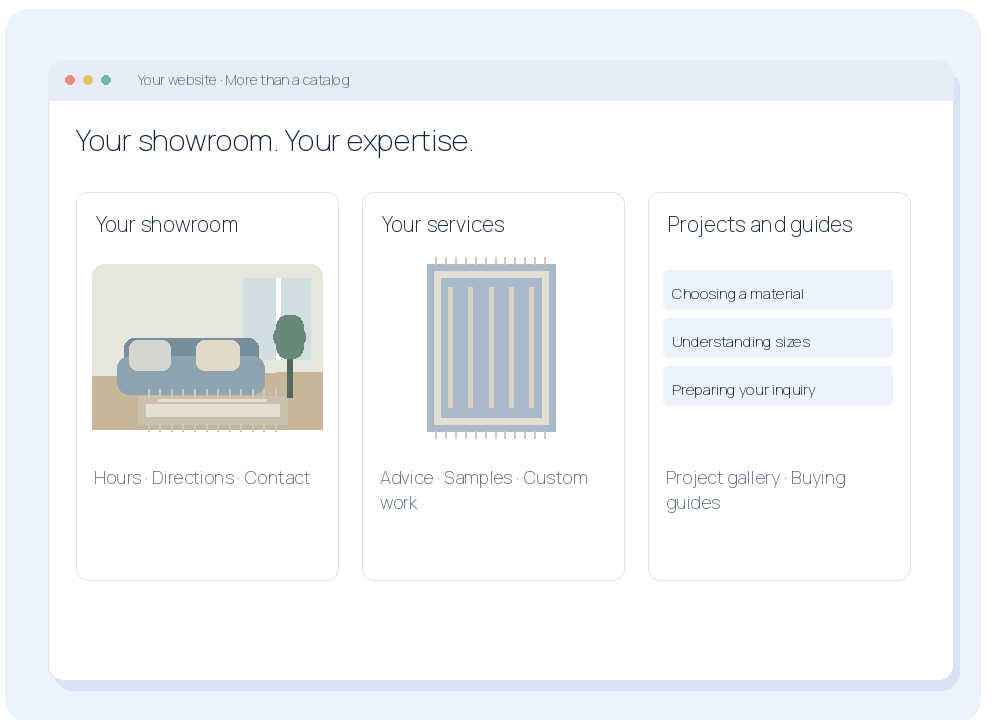
Show the business behind the products.
We build the pages that explain your showroom, services and expertise.
- Showroom hours, directions and contact details.
- Service pages, project galleries and trade information.
- Useful buying guides and clear next steps.
Illustrated example · Not a live product screenshot
YOUR WEBSITE
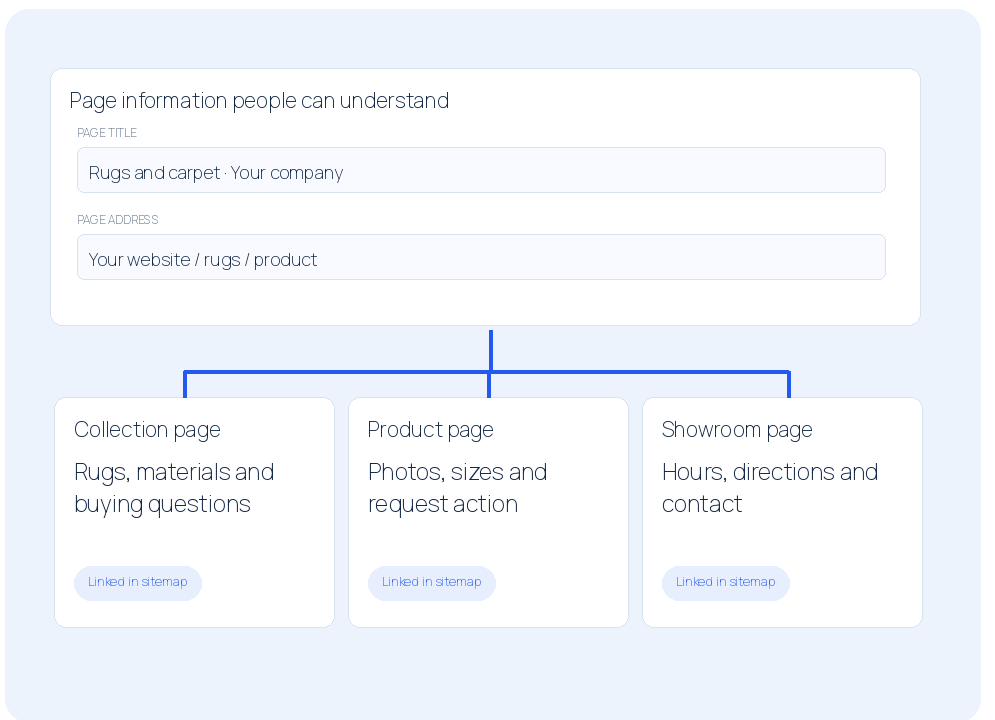
Build pages people can find.
We write and organize your product, service and location information for people and search engines.
- Clear page titles, headings and useful answers.
- Location details, internal links and sitemap.
- Structured information and a fast, readable layout.
Illustrated example · Not a live product screenshot
CONNECTED CUSTOMERS
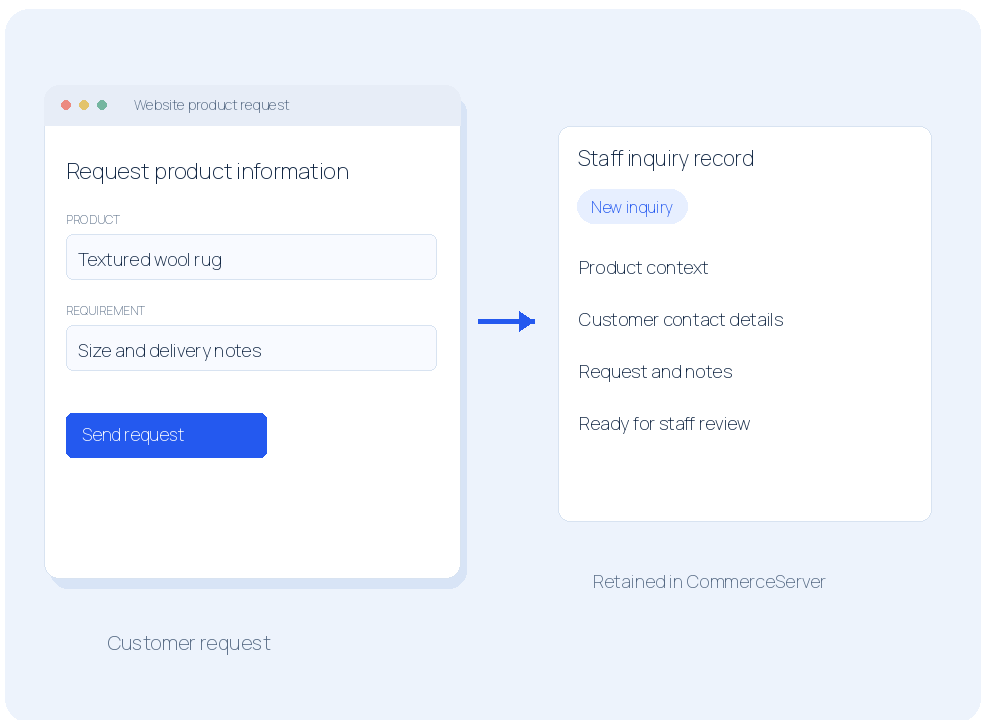
Website requests reach your team.
Product, quote, sample and trade inquiries arrive with the information staff need.
- Capture product context and customer requirements.
- Keep the request in the staff system.
- Review it before creating the quote or order.
Illustrated example · Not a live product screenshot
CONNECTED CUSTOMERS
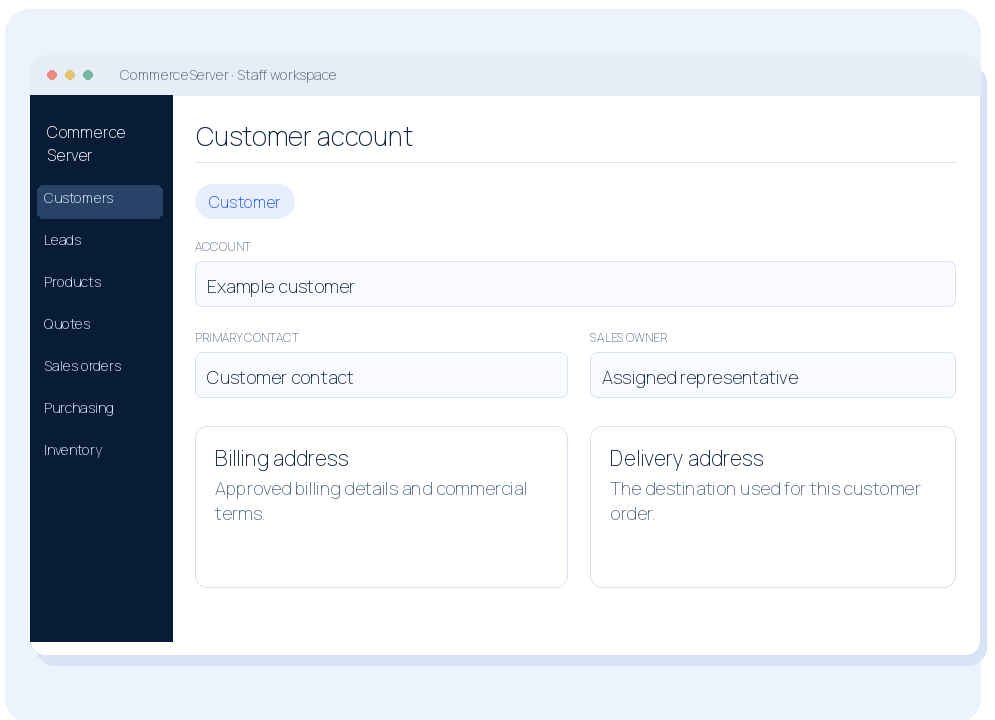
Keep customers and contacts together.
CommerceServer holds the customer information used by sales and the office.
- Customer accounts and their contacts.
- Billing and delivery information.
- Notes, commercial terms and sales ownership.
Illustrated example · Not a live product screenshot
CONNECTED CUSTOMERS
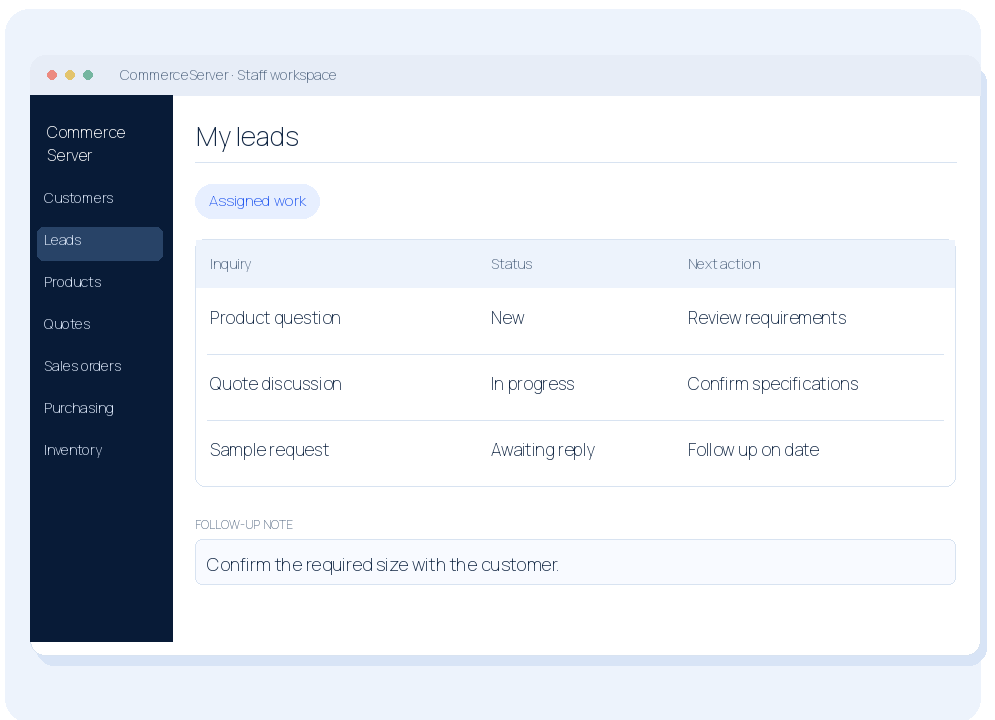
Know who follows up next.
Work inquiries through assigned queues, notes and dated follow-up.
- Assign the responsible representative.
- Use your own configured sales statuses.
- Record the next action and follow-up date.
Illustrated example · Not a live product screenshot
PRODUCTS AND PRICES
Maintain your product catalog.
Staff can create and update products instead of maintaining disconnected lists.
- Product names, SKUs, descriptions and images.
- Categories, suppliers and selling units.
- Keep incomplete products as drafts.
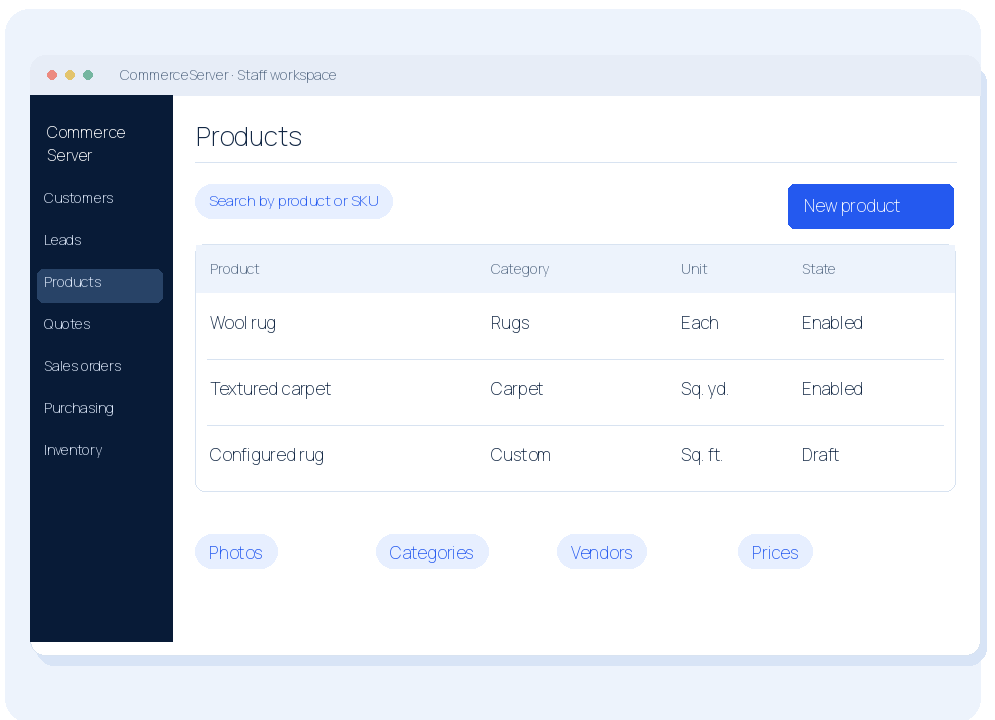
Illustrated example · Not a live product screenshot
PRODUCTS AND PRICES
Different customers. Different prices.
Set the price each customer should receive—not one price for everyone.
- Retail, trade and account-specific price rules.
- Apply the customer's pricing to quotes and orders.
- Use the same rules in your B2B website.
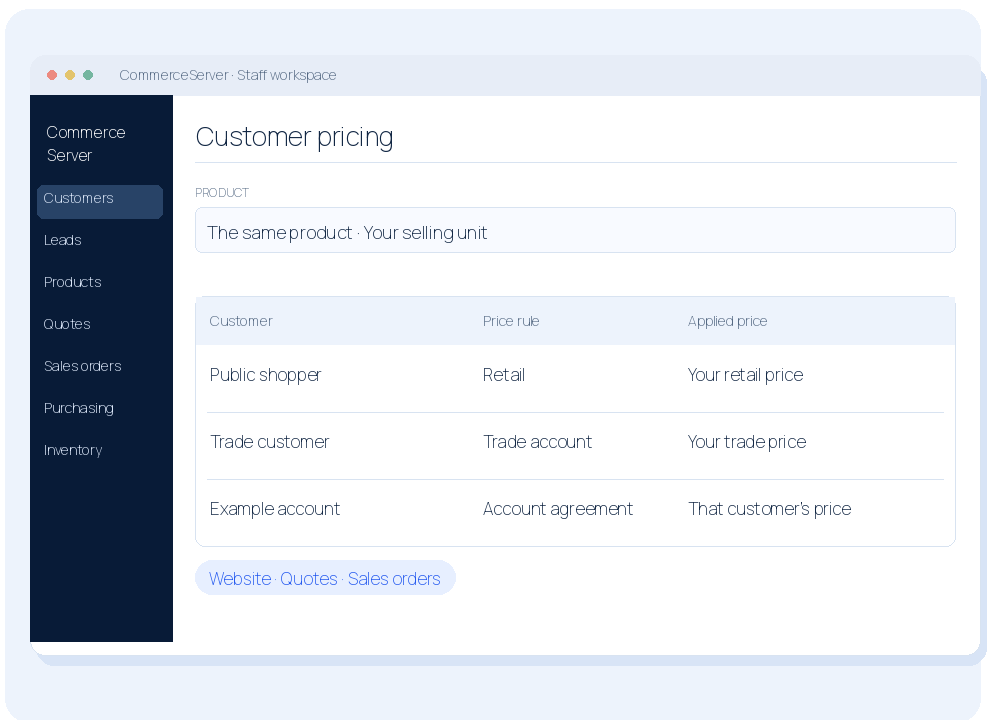
Illustrated example · Not a live product screenshot
PRODUCTS AND PRICES
Price the way you sell.
Use the selling units and charges that fit your products and customer agreements.
- Each, square-foot and square-yard pricing.
- Product defaults separate from one-off line prices.
- Show agreed freight, finishing and other charges.
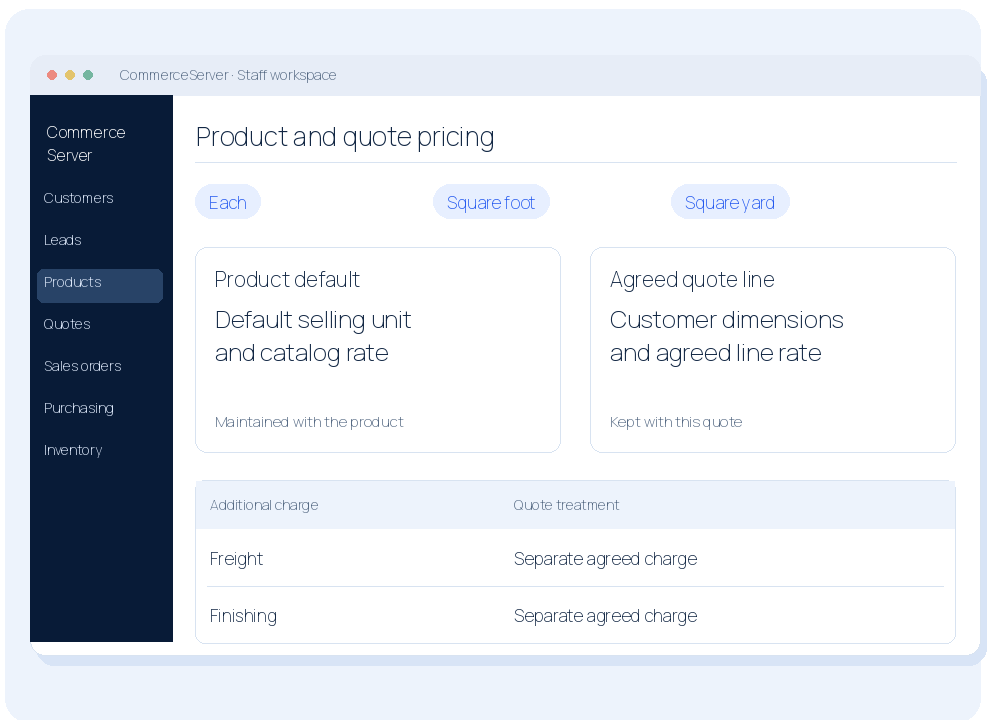
Illustrated example · Not a live product screenshot
PRODUCTS AND PRICES
Quote a configured rug.
Record the customer's size and specifications alongside the product and supplier information.
- Keep product, size and supplier in one place.
- Capture dimensions, materials and instructions.
- Copy or reuse product information for the next quote.
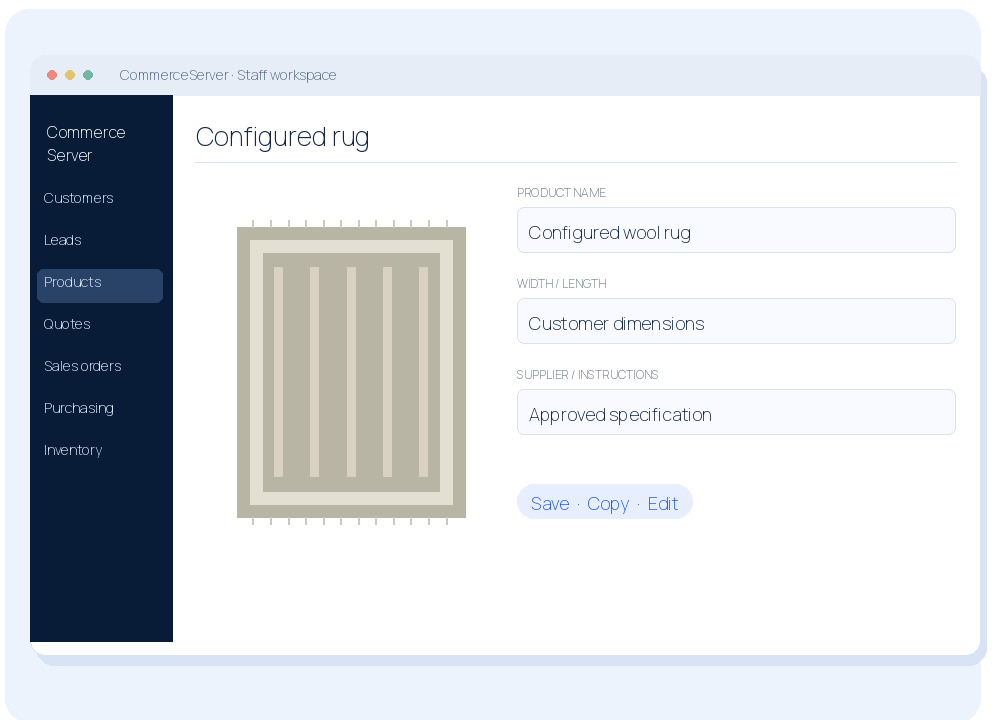
Illustrated example · Not a live product screenshot
SALES AND PURCHASING
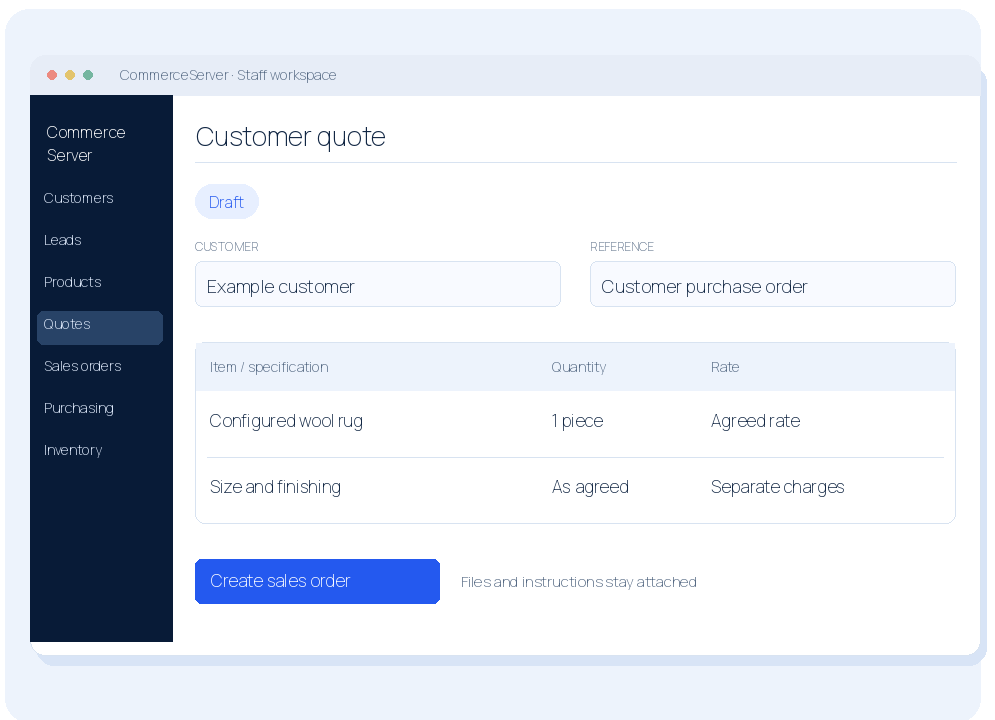
Create the customer quote.
Build the quote in CommerceServer with the actual items, specifications and agreed charges.
- Choose stocked or configured products.
- Review quantities, rates and dimensions.
- Keep customer notes and supporting files attached.
Illustrated example · Not a live product screenshot
SALES AND PURCHASING
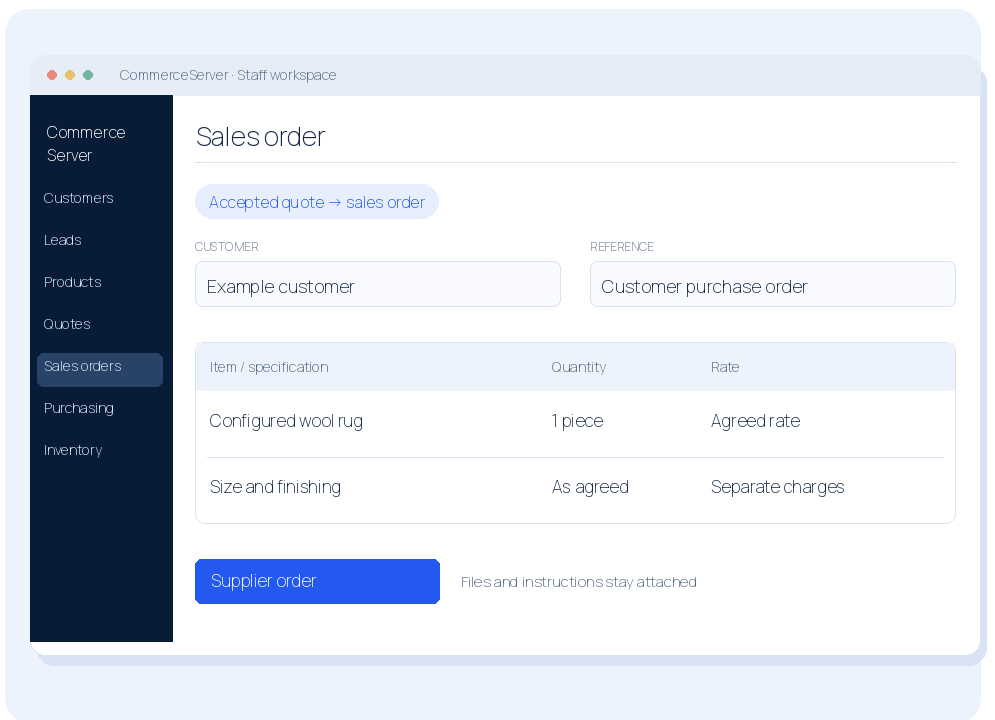
Create sales orders.
Turn the accepted quote into a sales order without recreating the commercial record.
- Carry forward products and agreed specifications.
- Keep customer PO references, terms and addresses.
- Retain the quote's supporting files.
Illustrated example · Not a live product screenshot
SALES AND PURCHASING
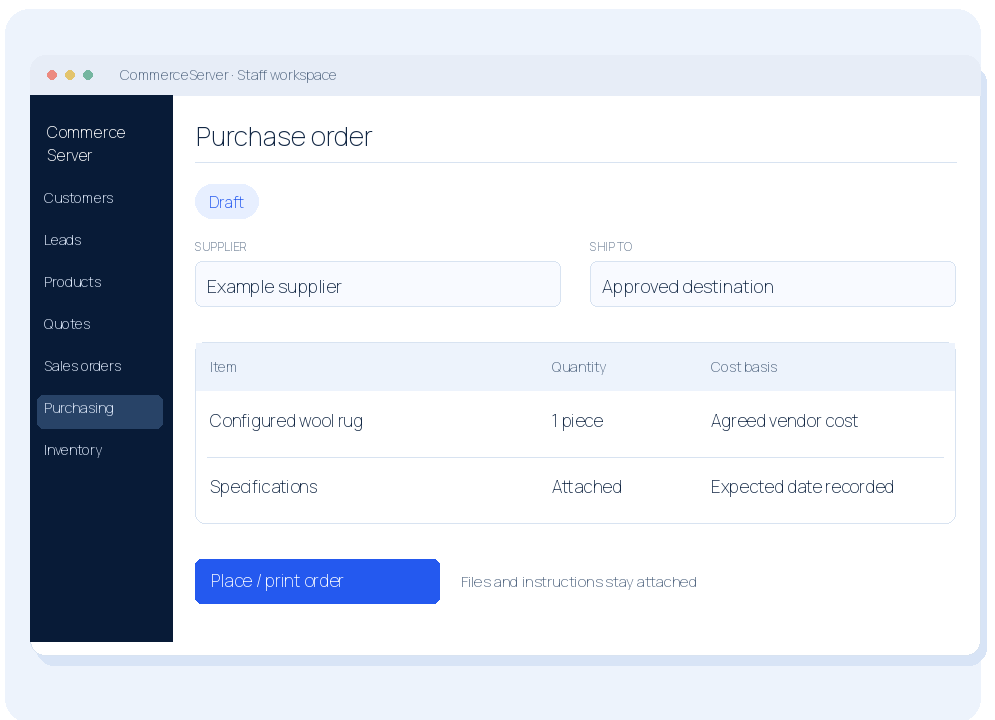
Create purchase orders.
Order stock or buy the products needed for a customer's sales order.
- Choose the supplier and vendor costs.
- Set ship-to details, instructions and expected dates.
- Place and print the purchase order.
Illustrated example · Not a live product screenshot
INVENTORY AND RECEIVING
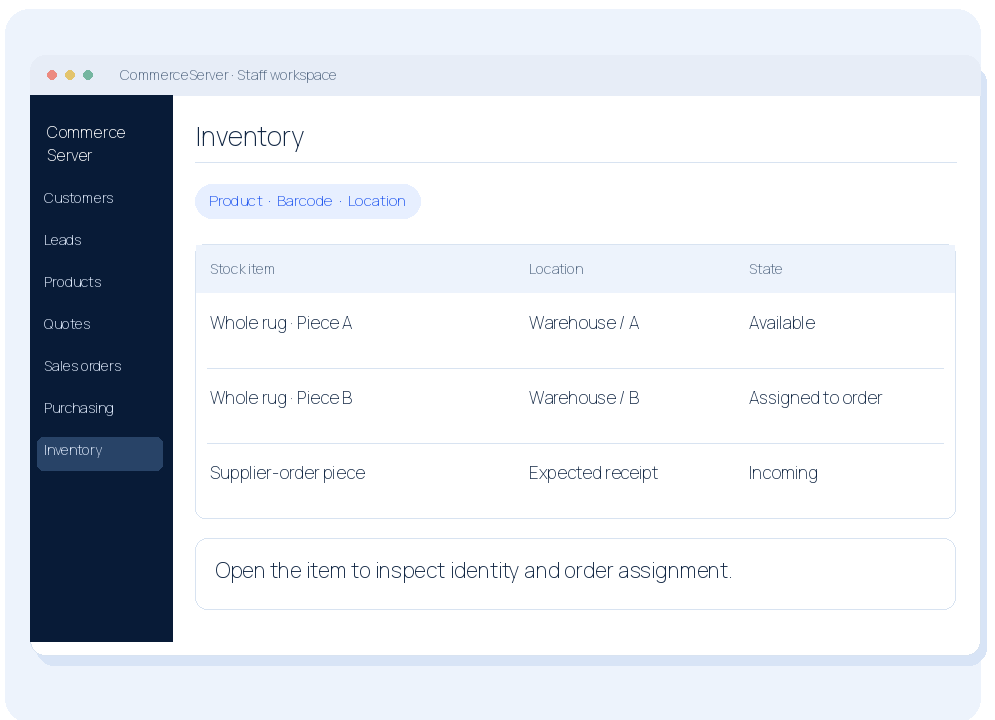
Track inventory.
See your stock against the products and orders it belongs to.
- Identify available, assigned and incoming stock.
- Search products and individual stock items.
- Check stock records before promising availability.
Illustrated example · Not a live product screenshot
INVENTORY AND RECEIVING
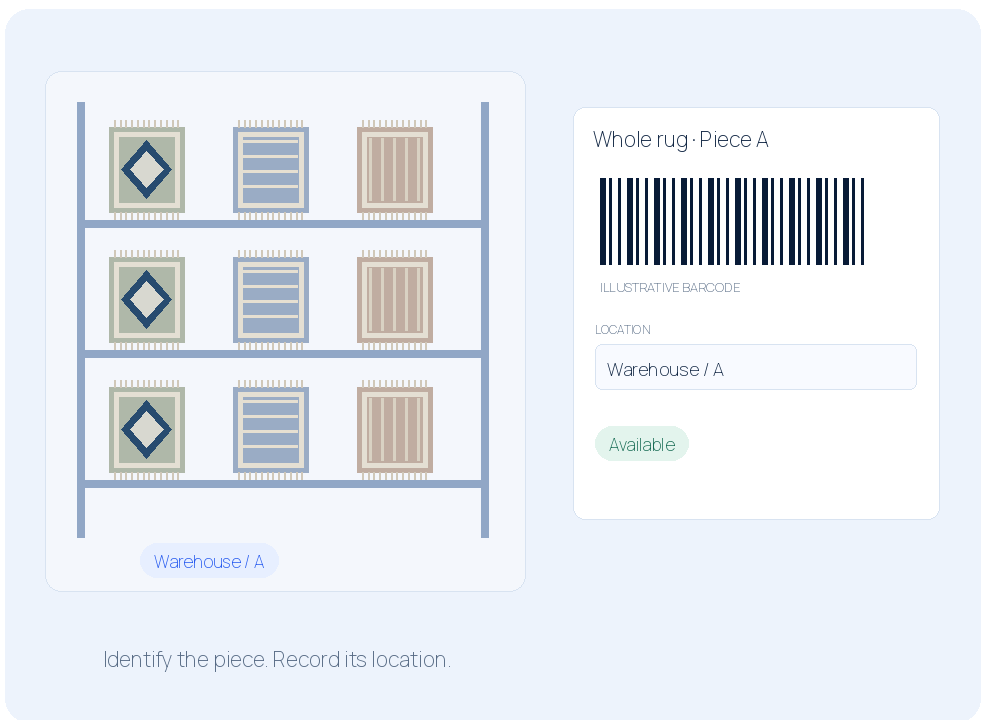
Find the actual piece.
Use item identity, barcodes and warehouse locations—not just a product name.
- Track each item by its own barcode.
- Record warehouse locations and item movements.
- Assign the intended piece to the customer order.
Illustrated example · Not a live product screenshot
INVENTORY AND RECEIVING
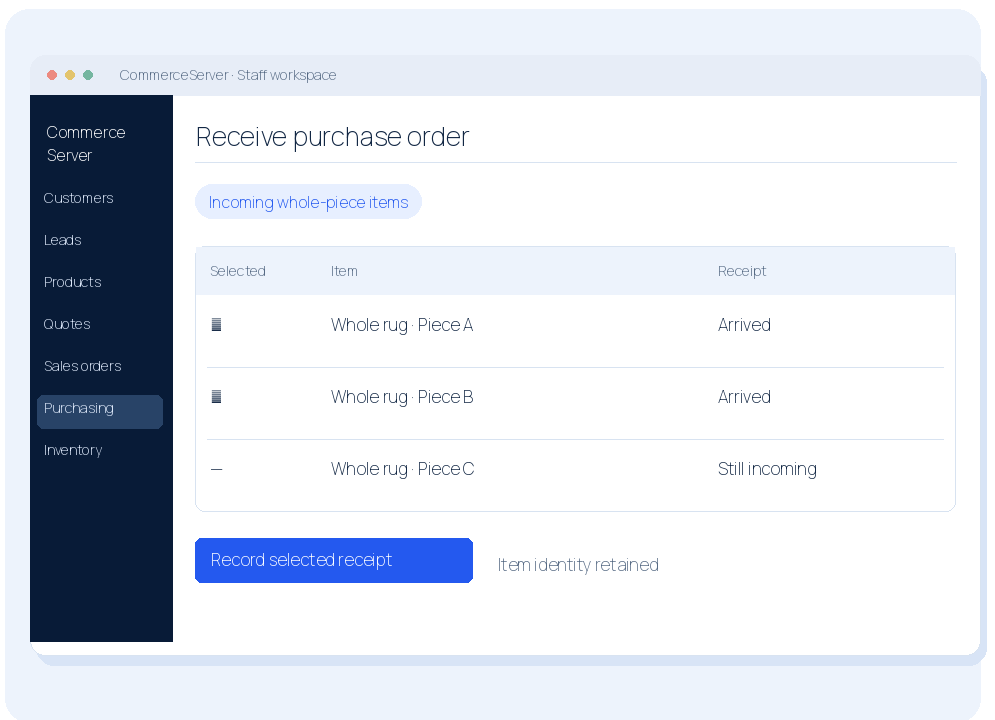
Receive incoming stock.
Record the pieces that arrived against the supplier order.
- Select the items that actually arrived.
- Keep the same barcode when stock is received.
- See the updated stock and linked order state.
Illustrated example · Not a live product screenshot
DOCUMENTS AND WAREHOUSE
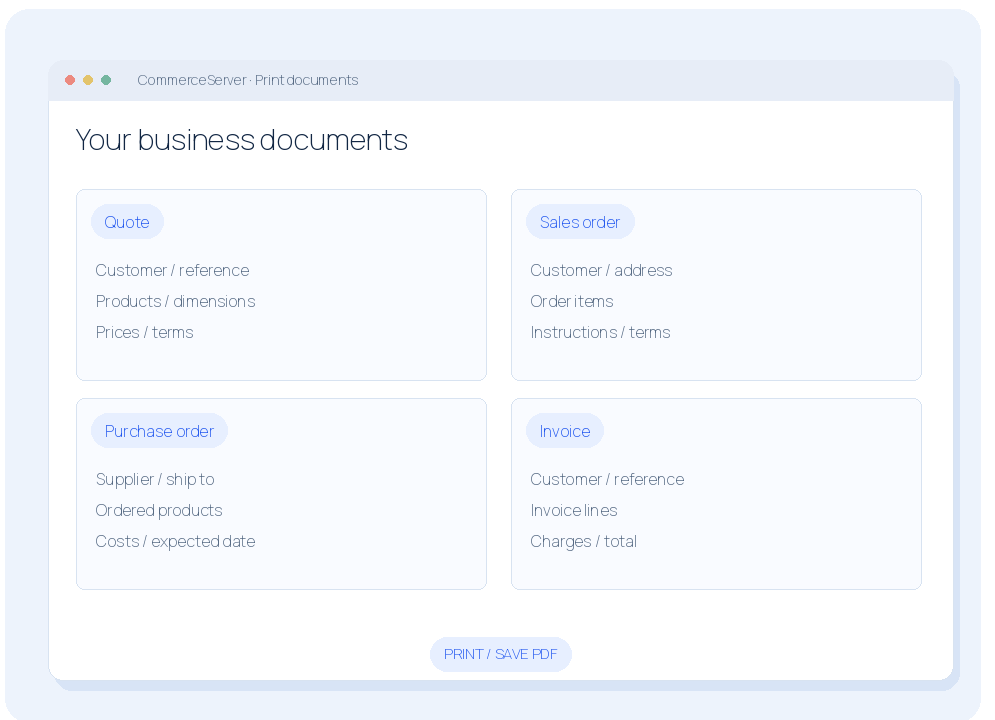
Print the documents you use.
Give customers, suppliers and staff the right document from the same commercial records.
- Print quotes, sales orders and invoices.
- Print purchase orders for suppliers.
- Your branding, details, terms and document layouts.
Illustrated example · Not a live product screenshot
DOCUMENTS AND WAREHOUSE
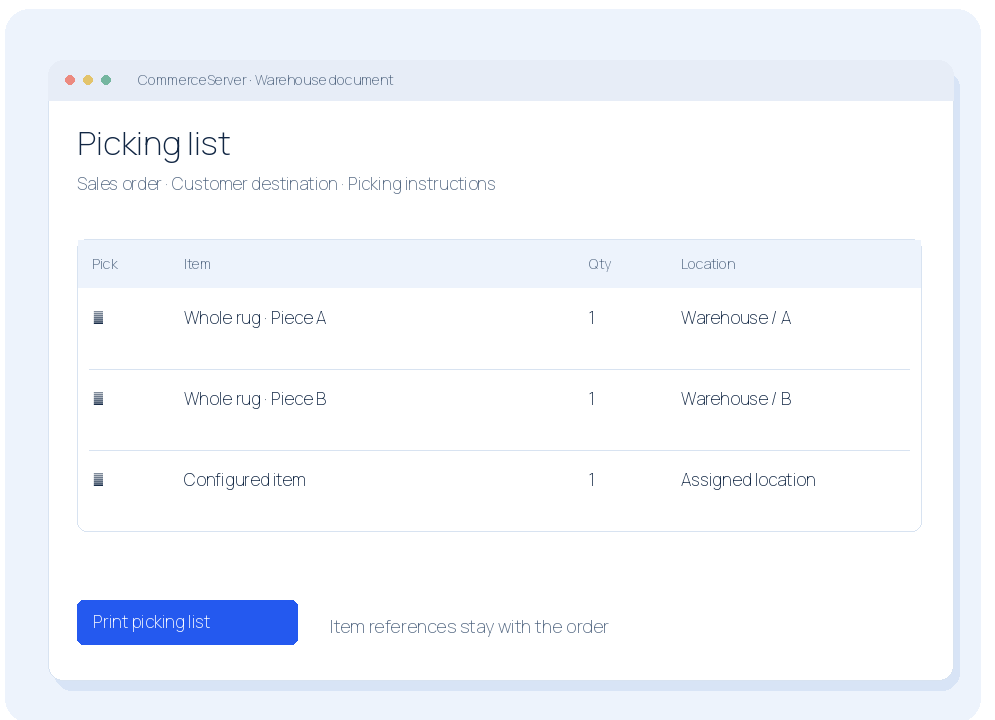
Print picking lists.
Give the warehouse a clear list of the items needed for an order.
- Products, quantities and item references.
- Warehouse locations and picking instructions.
- Keep picking separate from customer-facing documents.
Illustrated example · Not a live product screenshot
DOCUMENTS AND WAREHOUSE
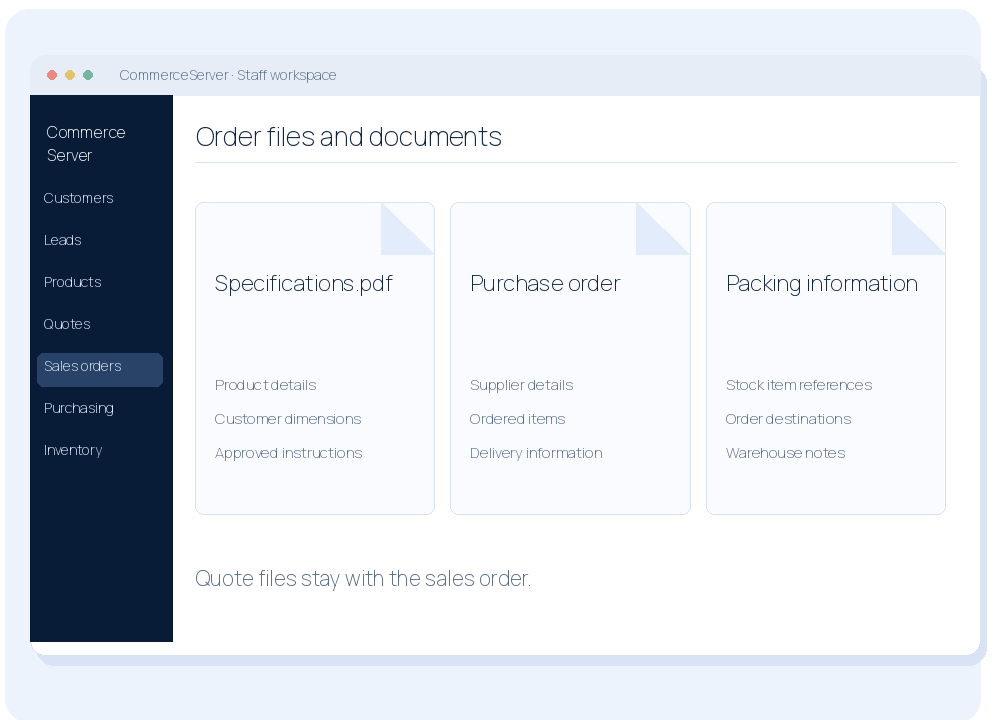
Keep the order's files together.
The office and warehouse can work from the same specifications and supporting information.
- Attach original specifications and supporting PDFs.
- Keep files when a quote becomes a sales order.
- Find the documents alongside the order.
Illustrated example · Not a live product screenshot
ACCOUNTING, REPORTS AND AI
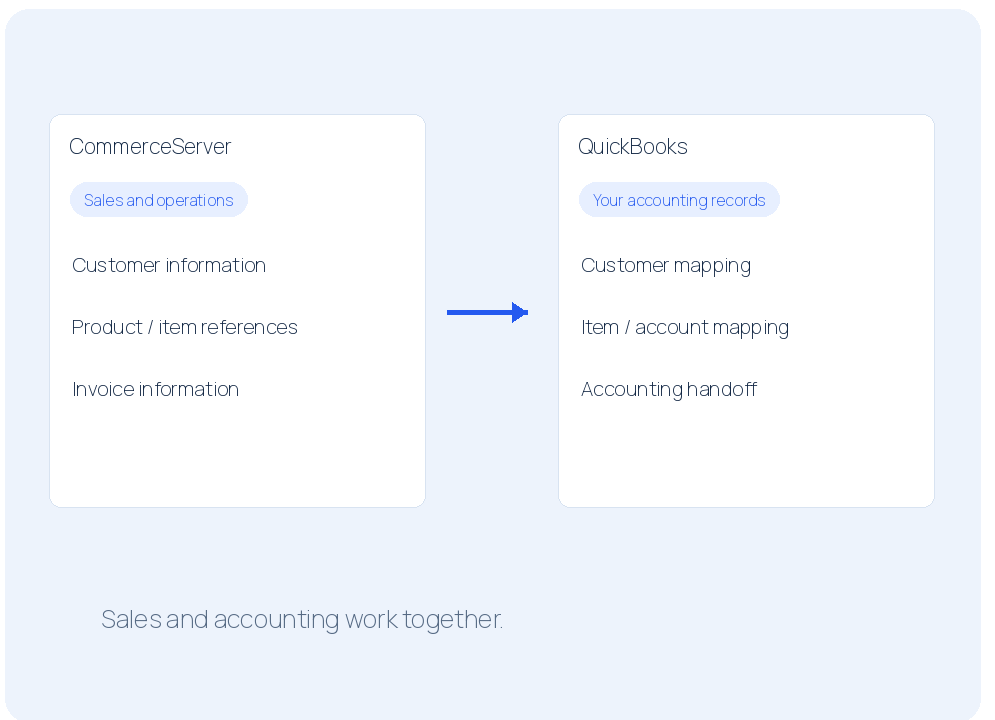
Connect with QuickBooks.
We integrate CommerceServer with QuickBooks so sales and accounting work together.
- Map customer, product and invoice information.
- Connect the operational records to your books.
- Review the accounting handoff with your team.
Illustrated example · Not a live product screenshot
ACCOUNTING, REPORTS AND AI
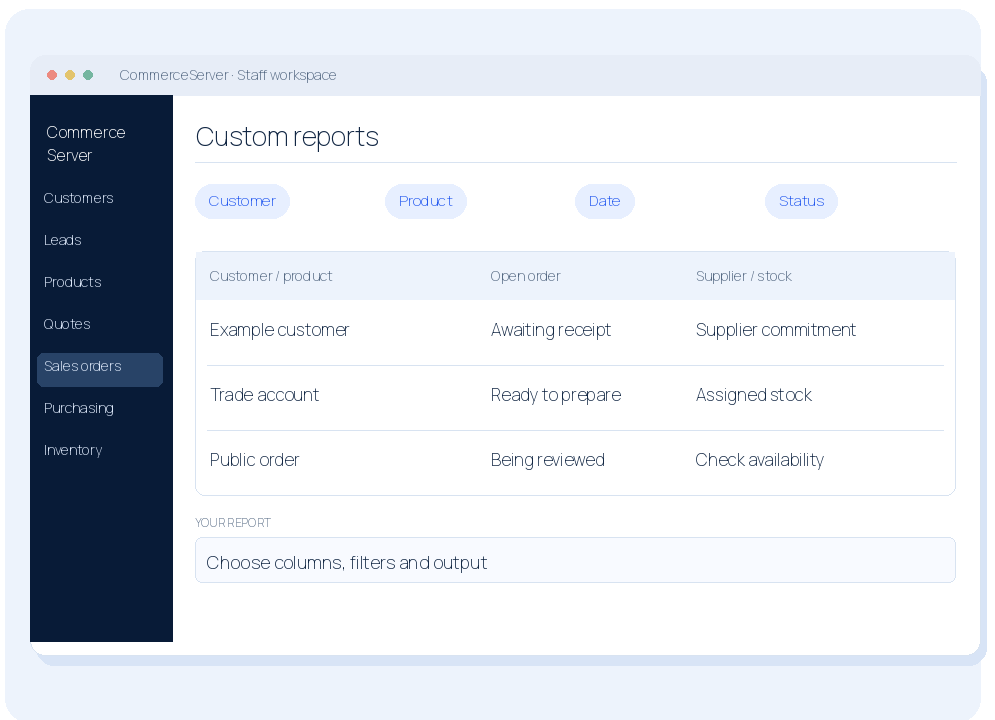
Get the reports your business needs.
Custom reports show your sales, orders, purchasing and stock in the way you use them.
- Report by customer, product, date and status.
- See open orders, supplier commitments and stock.
- Choose the columns, filters and output you need.
Illustrated example · Not a live product screenshot
ACCOUNTING, REPORTS AND AI
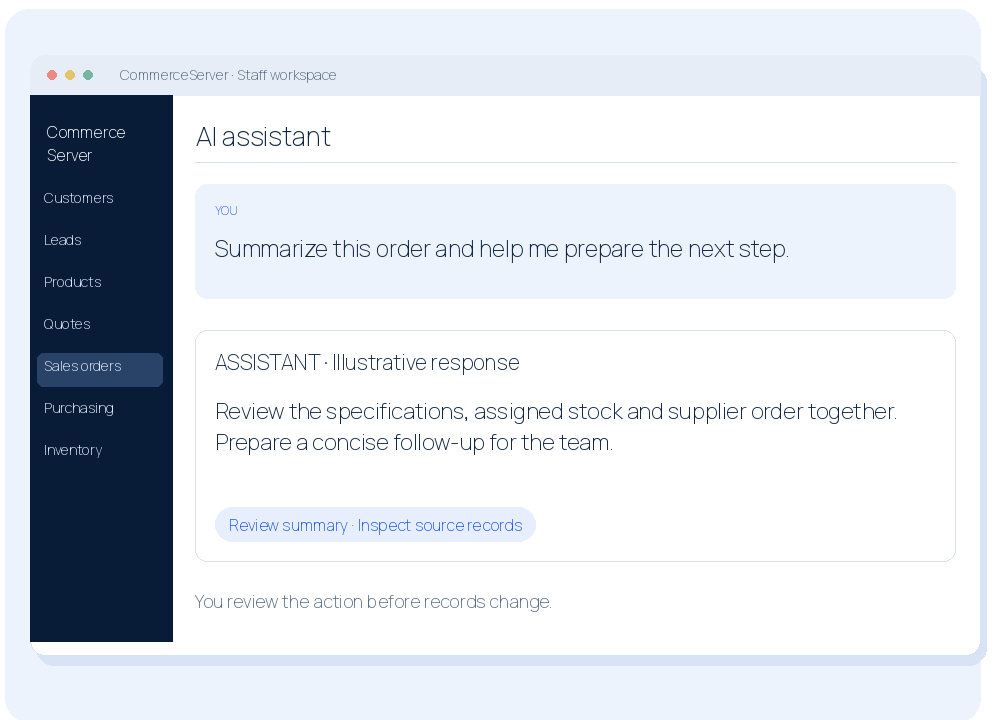
Work with an AI assistant.
Ask questions, summarize records and prepare next steps from inside your system.
- Get help with products, customers and orders.
- Turn record information into a useful summary.
- Review suggested actions before changing records.
Illustrated example · Not a live product screenshot
BUILT AND OPERATED
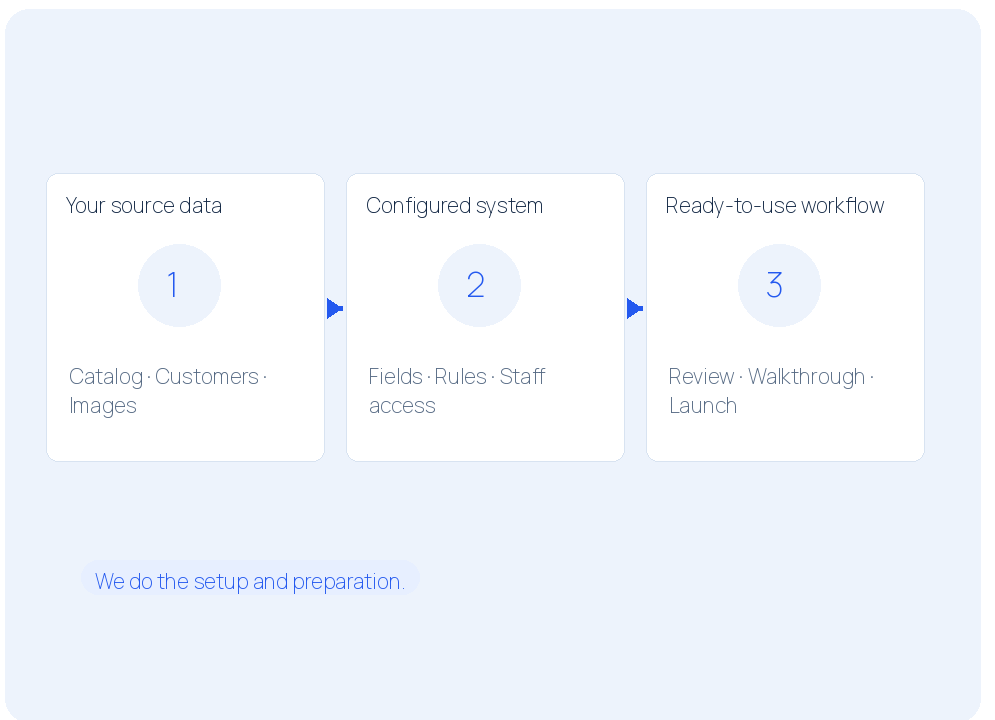
We load the data and prepare your team.
We bring in the agreed starting catalog and customer information, then walk staff through their work.
- Map and review the agreed source data.
- Configure staff access and the launch workflows.
- Check real examples with you before launch.
Illustrated example · Not a live product screenshot
BUILT AND OPERATED
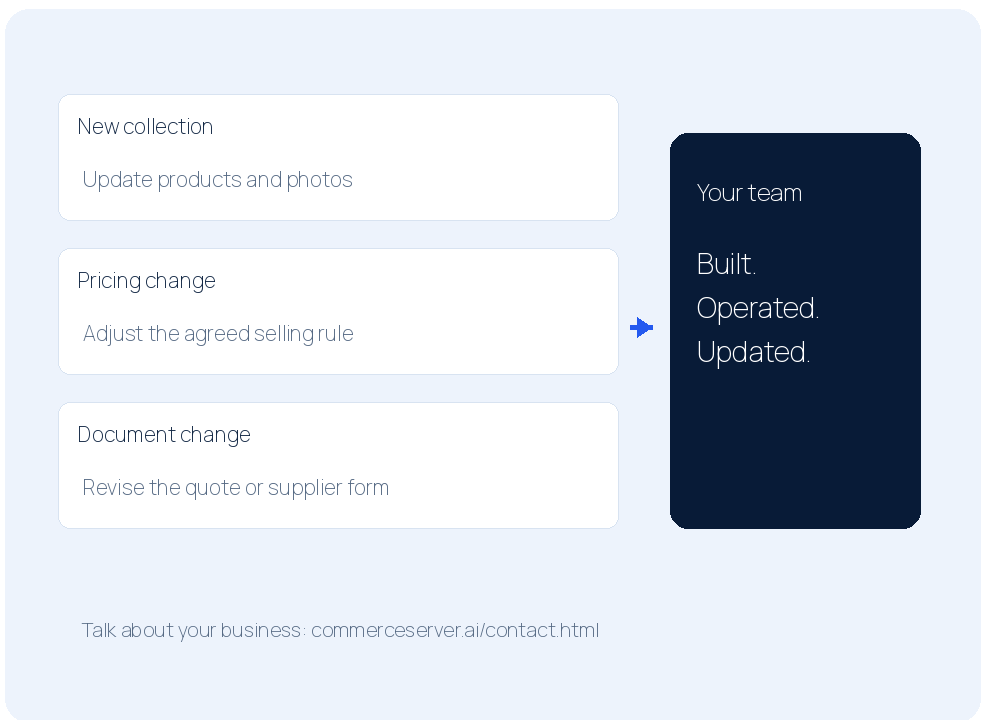
We keep running and changing it.
The website and CommerceServer are built, operated and adapted by the same team.
- Website content, product and document updates.
- Pricing and workflow changes as your business changes.
- No separate build fee; system changes included.
Illustrated example · Not a live product screenshot
Your website + CommerceServer
Let’s build your
flooring website.
Show us your current website.
Tell us how you sell.
No build fee. One monthly service.
We build, operate and keep changing it.
Take the next step
Show us your website.
Send your website address and tell us what you want to improve—B2C, B2B or the work behind the sale.
Start my website projectStart with a conversation about your business.
Download the complete feature guide